Overview
Zombrival is my first ever game development Project. I was inspired by a different zombie survival themed strategy game that was playable in a web browser called Zombvival.
My goal was to adapt and expand its mechanics for mobile devices while improving my skills in game design and programming. I had to simplify some planned features due to development complexity and time.
Zombrival was available on the Google Play Store, but was later removed due to a lack of updates.
Gameplay & Mechanics
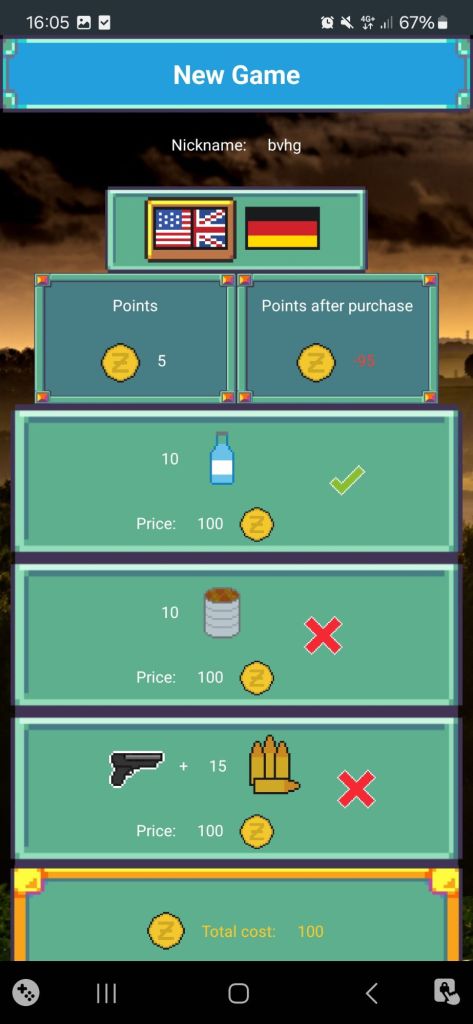
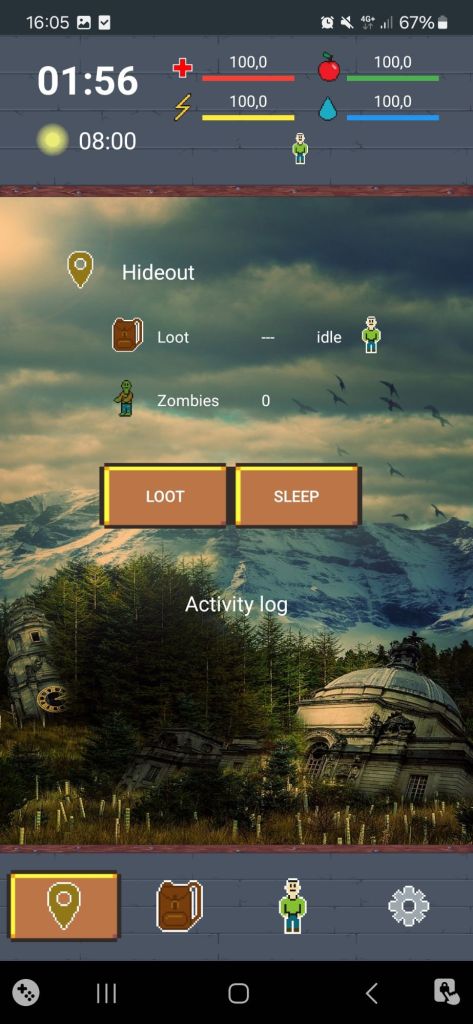
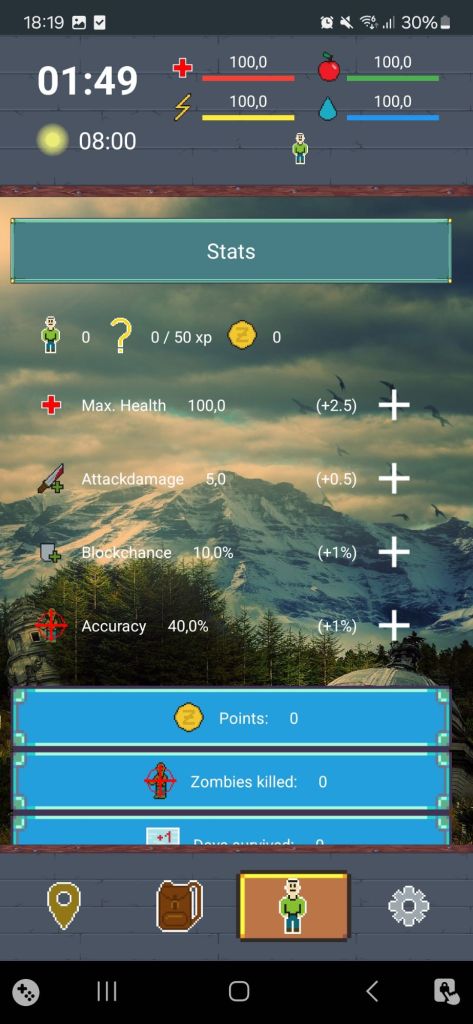
The objective is simple: survive as long as possible. The longer the player stays alive, the more points they earn. These points can then be spent in future „runs“ to unlock starting advantages.
The games core mechanic is the time-based intervals, each lasting between 30 seconds and 15 minutes (configurable). Once the timer expires, the player can press a button to trigger the next event. Originally, the timer was designed to continue running in real time, even when the app was closed and whithout the user needing to click the button, but this feature was not implemented in the final version due to complexity and google play console’s restrictments/policys on keeping apps active in the background.
At the end of each interval, a random event is triggered.
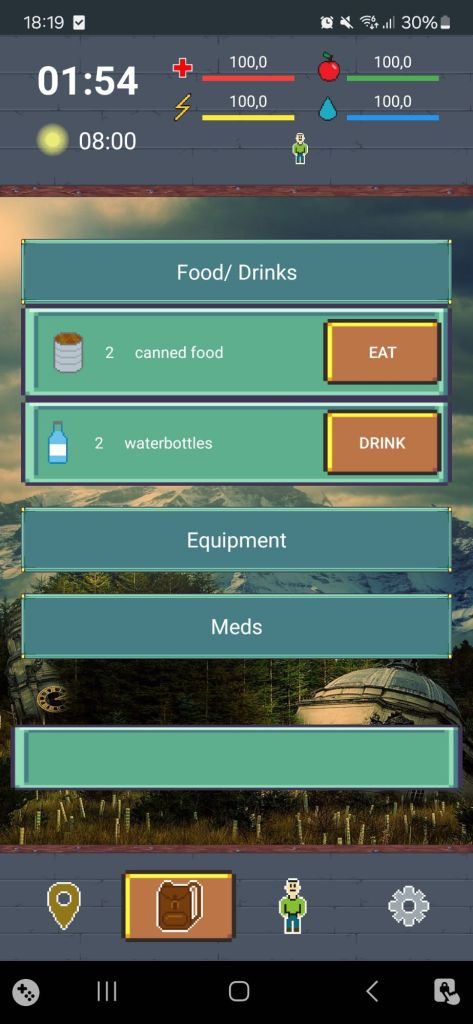
Every event is recorded in an activity log, providing feedback on what happened. If the player finds something, it’s added to their inventory. If they’re attacked, health may be reduced depending on the outcome of the combat, which includes factors like hit chance, damage values, and critical strikes all calculated internally but summarized in the log. Combat can also occur, when the player is surrounded by zombies. The more zombies, the harder the fight will be.
The player has to manage his stats:
Health, Hunger, Thirst and Energy.
Energy is required to perform actions such as scouting the area, traveling to new locations, or looting discovered ones. Different locations yield different types of loot (E.g., supermarkets for food and water, hospitals for medical items), but every location has limited resources. Each successful loot attempt reduces the chance of finding more in the future.
Status effects also play a role. For example, the metabolism effect automatically reduces hunger and thirst each cycle. Performing actions (like looting or exploring) also adds temporary status effects that drain energy over time. If energy reaches zero, the player can no longer act until they rest.
When health drops to zero, the run ends. Low hunger or thirst will gradually reduce health over time, making proactive management essential. Additionally, players can earn XP through events such as surviving attacks. Gaining XP leads to level-ups, which allow the player to improve key stats.
Interface & Controls
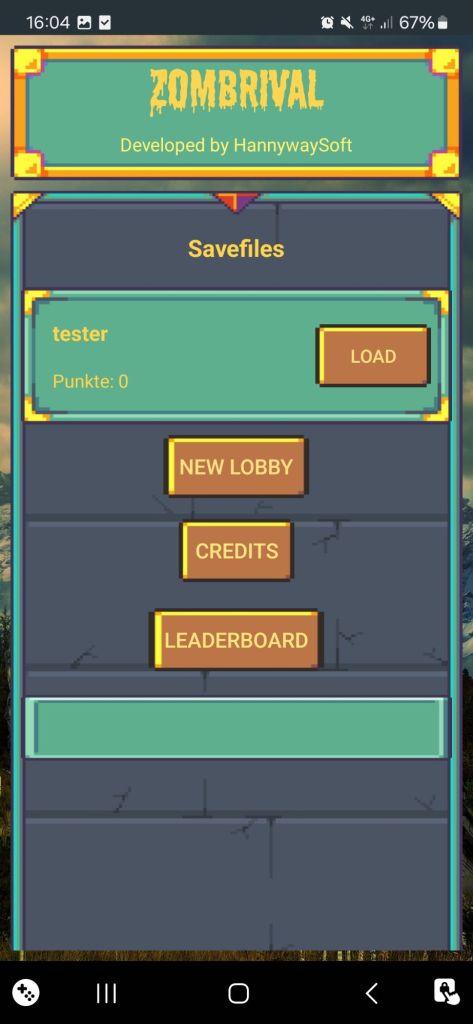
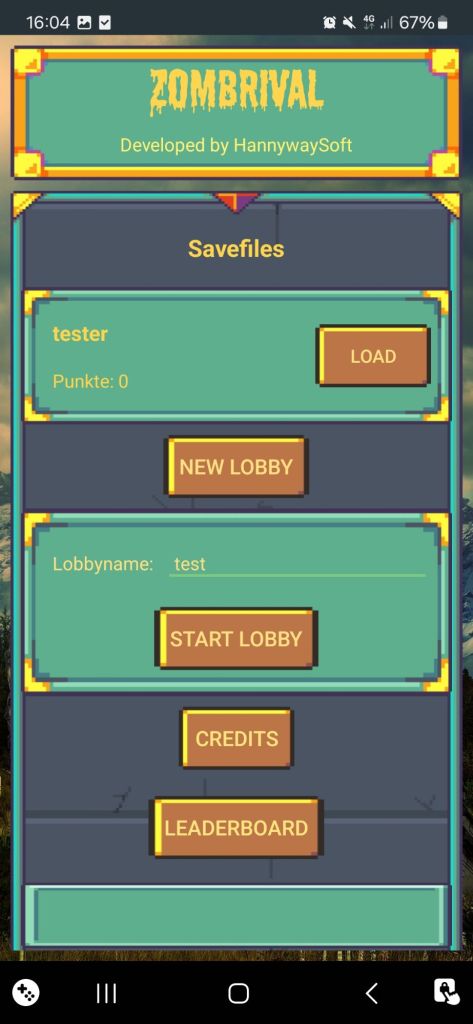
Zombrival is controlled via a 2D UI interface optimized for mobile devices. The player interacts using on-screen buttons. Helper texts and „tooltip toasts“ can be toggled in the settings, and the entire interface supports both English and German languages.
Technical Implementation
I developed Zombrival using Sketchware, a visual engine for Android that is conceptually similar to Scratch, but for mobile app development. In Sketchware, you can programm logic using block-based structures, which generate Java code. Most features i implemented using the built-in blocks, but i also used a few custom Java blocks to allow for more complex and flexible functionality beyond the standard options.
I had to rebuild, optimize and change the code almost constantly for better performance, new features and more since i had no real plan or concept going into this project other than a vague idea.
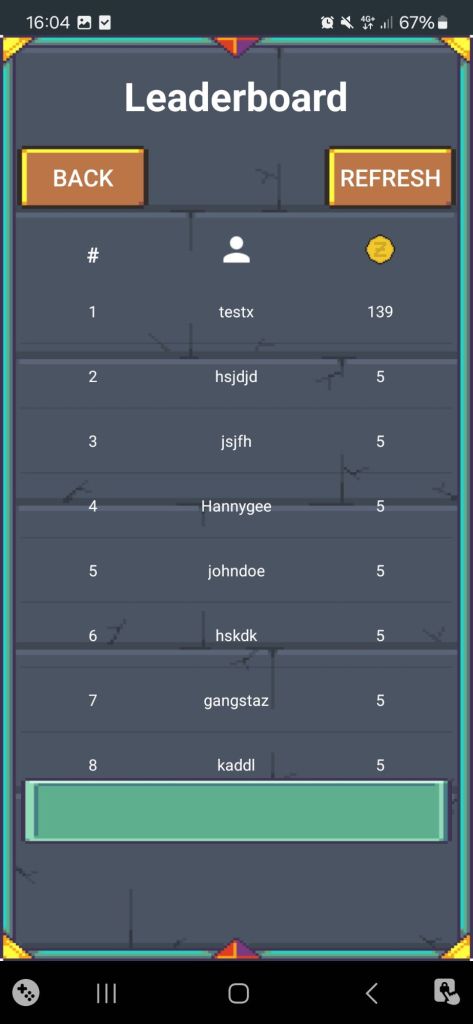
For example, initially, all game data, including player stats, inventory, and settings, were stored locally using SharedPreferences. In later versions, i integrated a Firebase database, to use a realtime database storage for player progress and configuration.
One of the main challenges involved the timer mechanism, especially in combination with real-time UI updates. Since i used a ticking interval system with frequently triggered events, keeping the UI synchronized with background logic proved to be demanding. Actions such as status changes, log updates, and inventory changes occurred frequently and needed to be reflected in the interface without causing performance issues on low-end devices.
Unfortunately, i don’t have access to the sketchware project files anymore, so all i am left with is this latest build i had for this app.
Screenshots